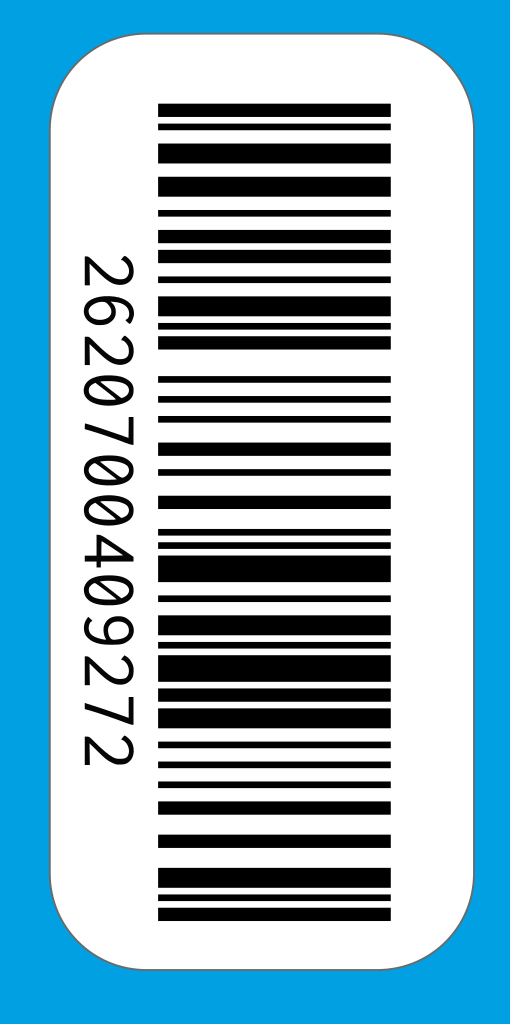
Scanning a digital bonus card works slightly differently than a physical card. With these tips, you'll ensure the barcode scans successfully on the first try.
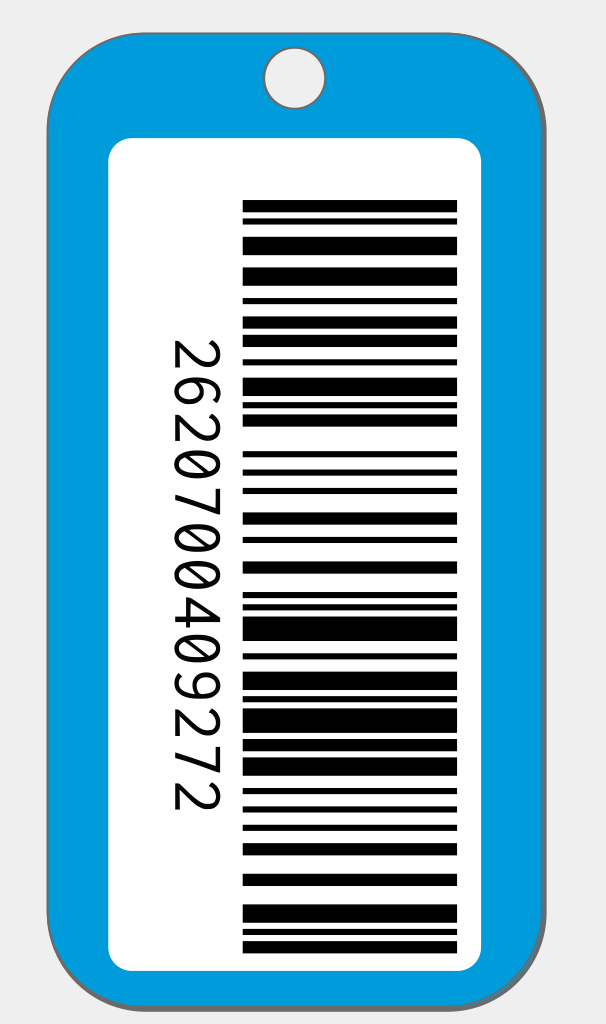
Before scanning
- Screen brightness at 100% - This is the most important. A bright screen ensures better contrast.
- Clean your screen - Fingerprints and smudges can interfere with scanning.
- Turn off auto-rotate - This prevents your screen from accidentally rotating while scanning.
While scanning
- Hold your phone still - Don't move during scanning.
- Correct distance - About 5-10 cm from the scanner, depending on the type.
- Hold it straight - Keep the barcode parallel to the scanner.
- Wait for the beep - The scanner will make a sound when successful.
At the self-checkout
At the self-checkout, scan the barcode with the handheld scanner. Hold your phone with the screen facing the scanner and wait until you see a confirmation on the checkout screen.
At a staffed checkout
Hand your phone to the cashier or hold the screen toward the scanner built into the counter. The staff can also enter the number manually if scanning doesn't work.
Not working?
If the barcode won't scan, try the following:
- Check your screen brightness (should be at maximum)
- Clean your screen
- Try a slightly different distance
- Ask the cashier to enter the number manually
Tip: Some phones have a power-saving mode that reduces brightness. Temporarily disable this for the best results.